Introducing Disclosure Management: every employee declaration, tracked in FaceUp
Legal & Compliance

Alaa El-Shaarawi
Copywriter and Content Manager
Published on
Reading time
6 min
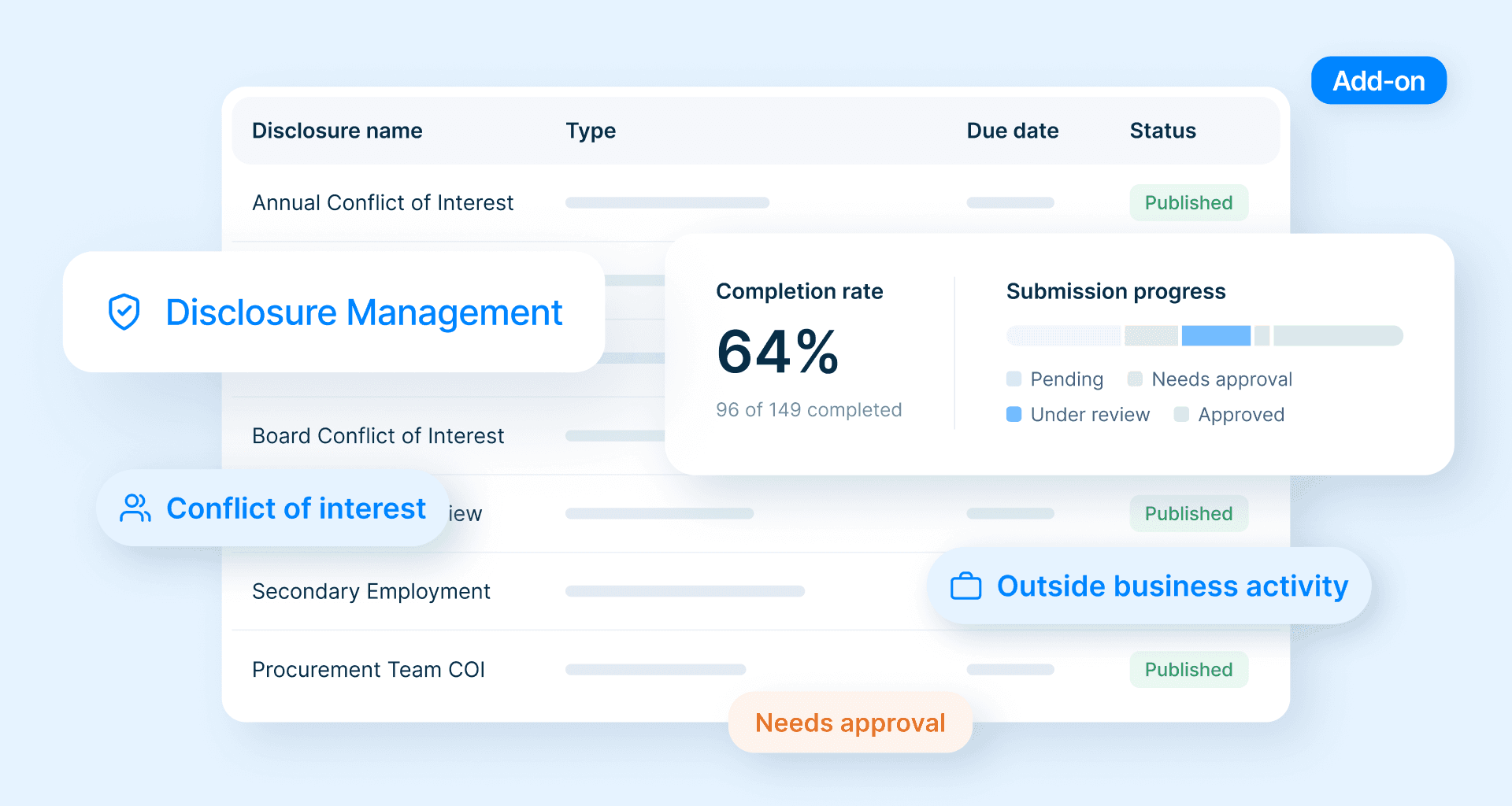

Table of contents
Subscribe to our newsletter

Introducing Disclosure Management: every employee declaration, tracked in FaceUp
Disclosure Management is now live in FaceUp: a new module for collecting, tracking, and reviewing every kind of employee declaration, on the same platform as your reporting and case management.
We built it because of how declarations usually run today. Once a year, the compliance team emails out a form, usually a Word or PDF file. Answers trickle back as attachments, and someone starts a spreadsheet to keep track.
That's fine until someone asks who hasn't answered yet.
It's a more important question than it sounds. Many declarations just need a note on file, and even a real conflict is usually easy to handle once it's out in the open. The real risk is what nobody tells you about.
Disclosure Management is built to answer that question. You send declaration forms from FaceUp, see who has and hasn't responded, and record what you decided about each one, without rebuilding lists from your inbox.
The question your inbox can't answer
Your inbox tells you who replied. It can't tell you who was asked and never got back to you.
Say you send the annual form to 120 people. A week later, 10 have answered. Finding the other 110 means checking your employee list against your sent folder, one name at a time. One of them might be a buyer whose brother-in-law just joined a supplier.
And it's not only the missing ones. A declaration that arrived but sat unread can be worse, because the information was there and nobody acted on it.
Email and spreadsheets also come with costs that grow with the company:
- Hours spent chasing people one by one and merging versions by hand
- No clear record of what people declared or what you decided, so when an auditor or the board asks how the process works, all you can show them is a folder of emails
- More work with every new hire, declaration type, or acquisition, since each one means another list to rebuild
- Personal details about people's finances, families, and outside work sitting in inboxes, shared drives, and downloads folders
What a good declaration process looks like
Collecting the forms is only half the job. A process that holds up has four parts:
- You know who was asked
- You follow up with anyone who hasn't answered
- You decide each declaration the same way, whoever made it
- You write down why
That last part is easy to skip, but it's what lets you explain a decision months later, to an auditor or to a colleague who's taking over.
It also helps to make declaring feel routine. A declaration doesn't mean anything went wrong, and people are more open when the form is short, the policy is clear, and they know what happens next. Ask only for what you need to assess each declaration, because collecting more adds to the privacy burden and puts people off answering.
What Disclosure Management covers
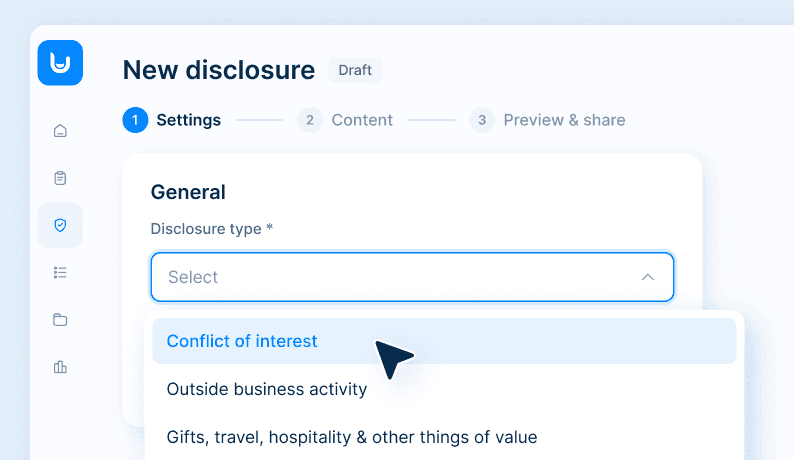
Disclosure Management handles conflicts of interest, outside business activities, gifts and hospitality, and financial interests. Each type gets its own form, so you can ask the right questions for each one and review them separately. There's also an Other type for anything that doesn't fit those four, such as political contributions.
In FaceUp, declarations are stored in your region, outside your own IT systems, and only the colleagues you give access to can see them.
And because it lives in the same platform as your anonymous reporting, case management, and investigations, there's nothing new to roll out and no extra login for your team.
How it works
Disclosure Management follows the same steps you'd take by hand, from building the form to deciding on each declaration, but keeps everything in one place.
1. Build the form yourself
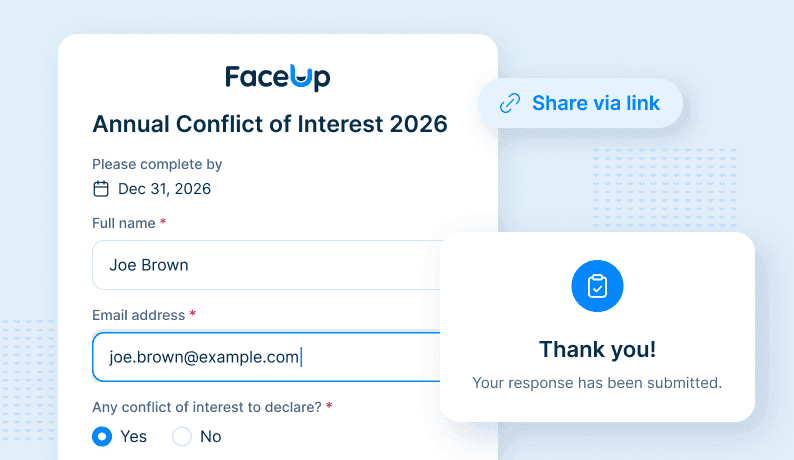
Start with a short introduction that links to your policy, then add your questions, with AI to help you draft them if you like. You can use yes/no, short or long text, multiple choice, dates, and numbers, though three to five questions is usually enough. Name and email are always the first two fields. Then pick the disclosure type and, if you like, a due date. Once the first person answers, the questions lock, so everyone in that round sees the same form.
2. Send it to the right people
You can share a link, paste in email addresses, or invite people straight from your employee list, which syncs daily from HR systems like BambooHR or Paylocity. You write the invitation message yourself, and each person's email is already filled in when they open the form.
3. See who still owes you a declaration
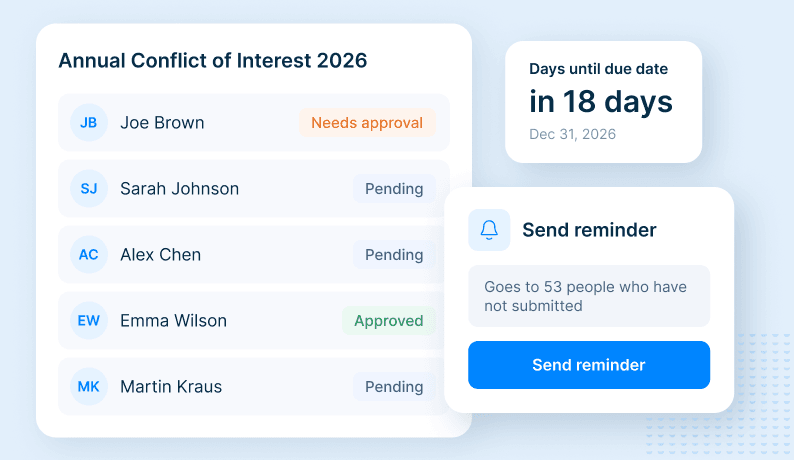
Everyone you invited appears in the list, whether they've answered or not, along with your completion rate and how many days are left. One click reminds everyone who's still pending, or you can nudge one person with a personal note.
4. Move each declaration to a decision
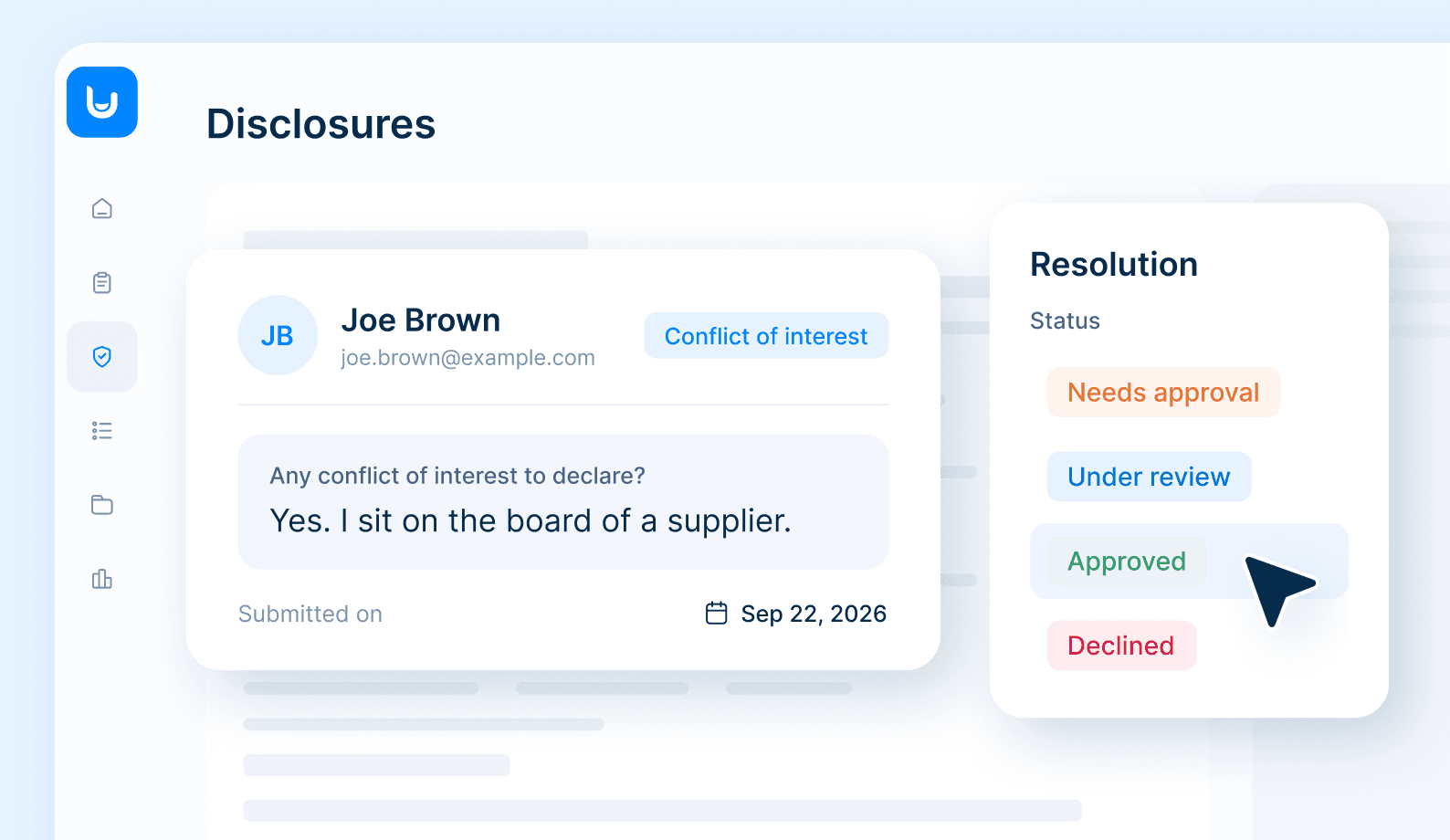
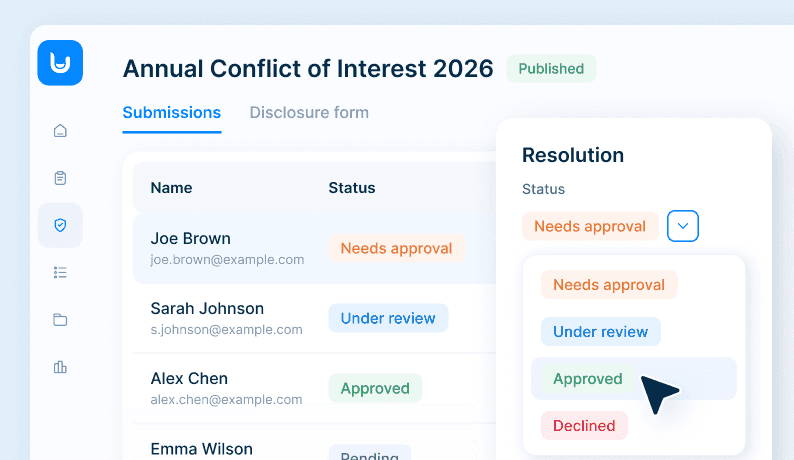
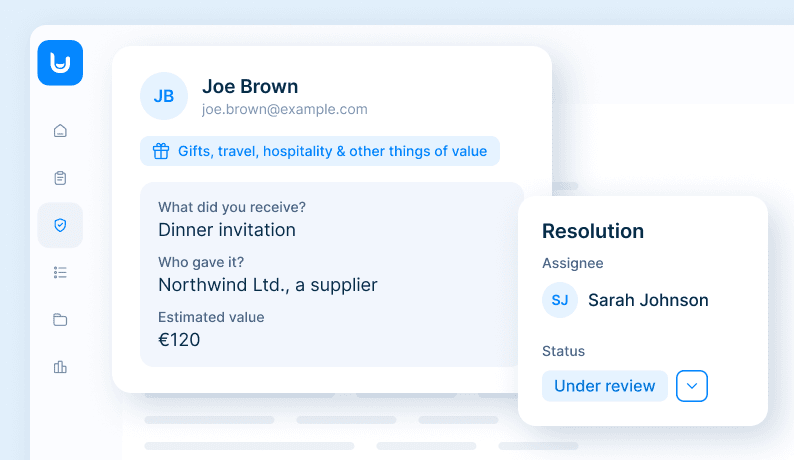
Each declaration moves from review to a final decision, and you can hand it to a colleague if you want a second opinion. You can review one form at a time, or every submission across all your forms in one list. In an annual round, plenty of people have nothing to declare, so you can set rules that approve those answers automatically and spend your time on the ones that need a closer look.
Run it all year, not just in January
January is when many companies run their annual refresh, but people take on new roles, interests, and gifts all year round. That's why you can set up separate forms for new joiners, for the annual refresh, and for changes in someone's situation or role. Each one keeps its own record of who was asked and who answered. Learn more about managing conflicts of interest in FaceUp.
Gifts show why the whole year matters. A single hamper from a long-standing partner is rarely a concern, but several from the same supplier over a year tells a different story. When all your declaration forms sit in one place, those patterns are much easier to spot.
Declarations and anonymous reports work together
A declaration comes from the person with the interest, before anything goes wrong. Not everything gets declared, though, and sometimes a colleague notices first. In FaceUp, they can raise it through anonymous reporting, and it becomes a case your team can follow up on, in the same platform as your declarations.
Keeping the two apart matters. A declaration carries the employee's name, because you need to know whose interest you're reviewing, while a report can stay anonymous if the reporter chooses. Each has its own forms and access rules, but your team handles both from the same place.
Get started before your next declaration round
Disclosure Management is available now as a module you can add to your FaceUp plan. If you're already a customer, you can try it free in your account until 26 November. All you need to run the whole flow is a handful of test email addresses, and if you'd like to keep using it afterwards, just talk to your account manager.
Try for free → https://www.admin.faceup.com/
New to FaceUp? Book a demo and we'll show you how it would work for your team.
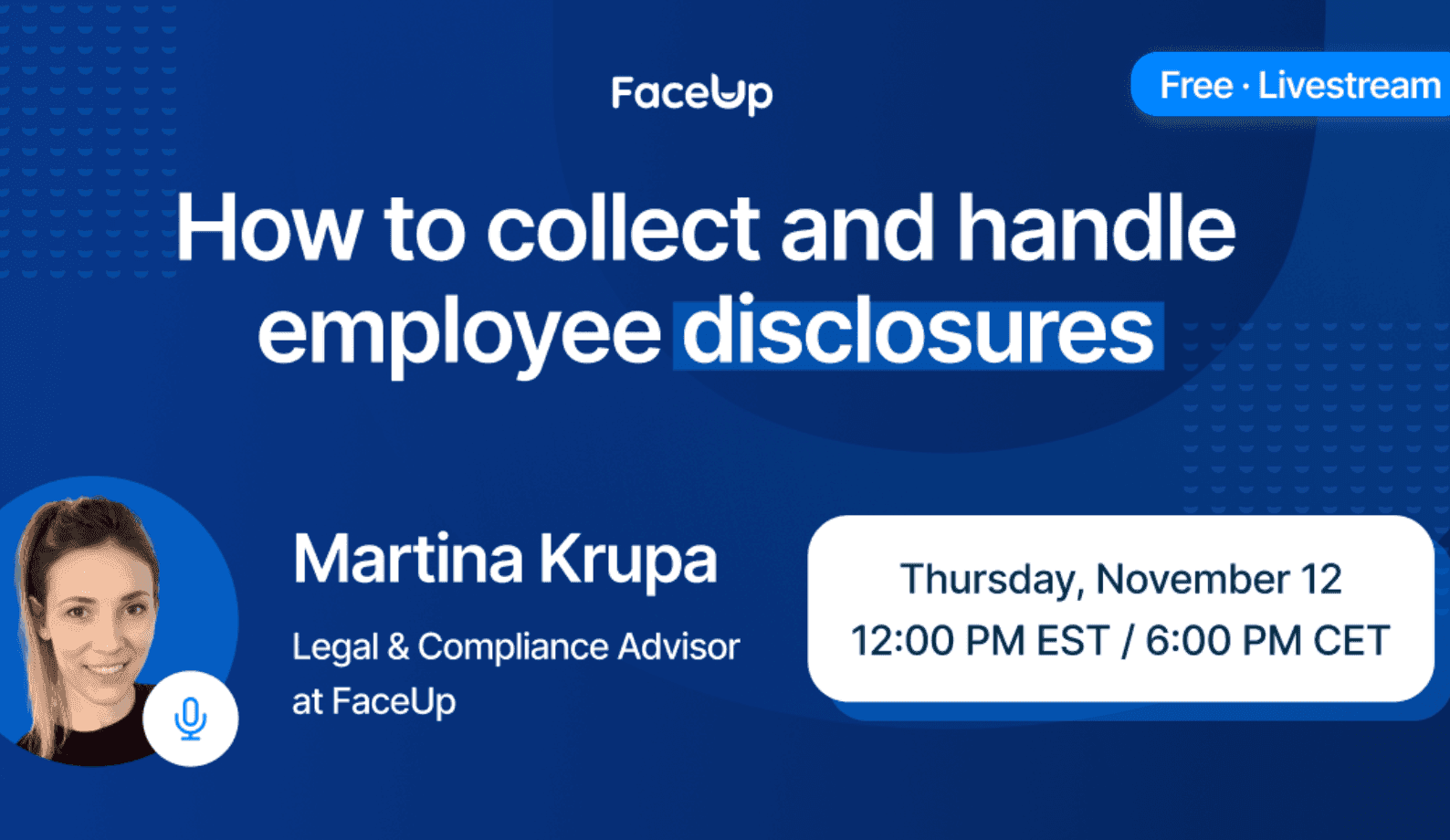
If you'd like to see it in action first, join our webinar, How to collect and handle employee disclosures, on 12 November, which includes a short live demo. Register below.
FAQ
Keep Reading
Alaa El-Shaarawi2026-10-0510 min
Gulf construction safety: Why on-site hazard reporting keeps breaking
Legal & Compliance
Alaa El-Shaarawi2026-10-028 min
UAE whistleblowing: The biggest programs are being built where no law requires them
Legal & Compliance

Alaa El-Shaarawi2026-09-249 min
EU AI Act Whistleblowing: What Changed on August 2, 2026
Legal & Compliance
Alaa El-Shaarawi2026-09-095 min
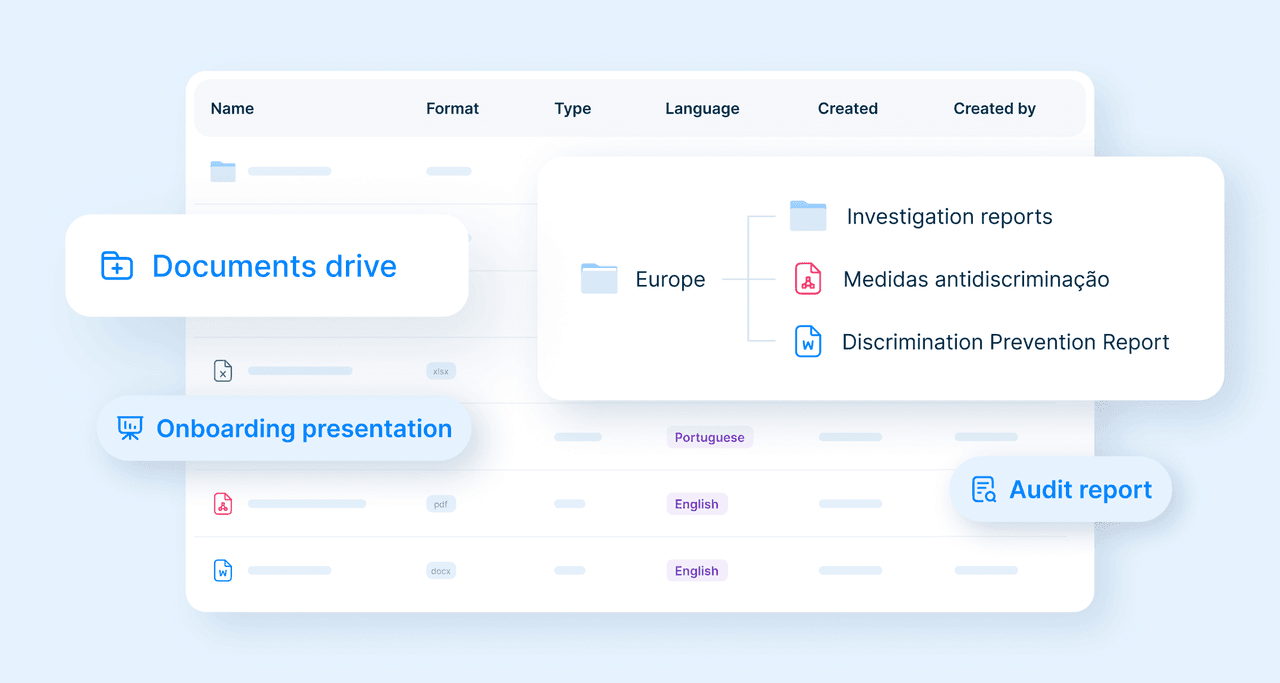
Introducing Documents: Your Own Compliance Library in FaceUp
Legal & Compliance