Case Management
Assign owners, manage stages, and keep the complete activity history with each case.
See the case workflowDocuments
Keep policies, training materials, and internal guidelines for each entity and language in FaceUp, organized by your own team with folders, document types, and language tags.
RUN BY COMPLIANCE TEAMS WORLDWIDE


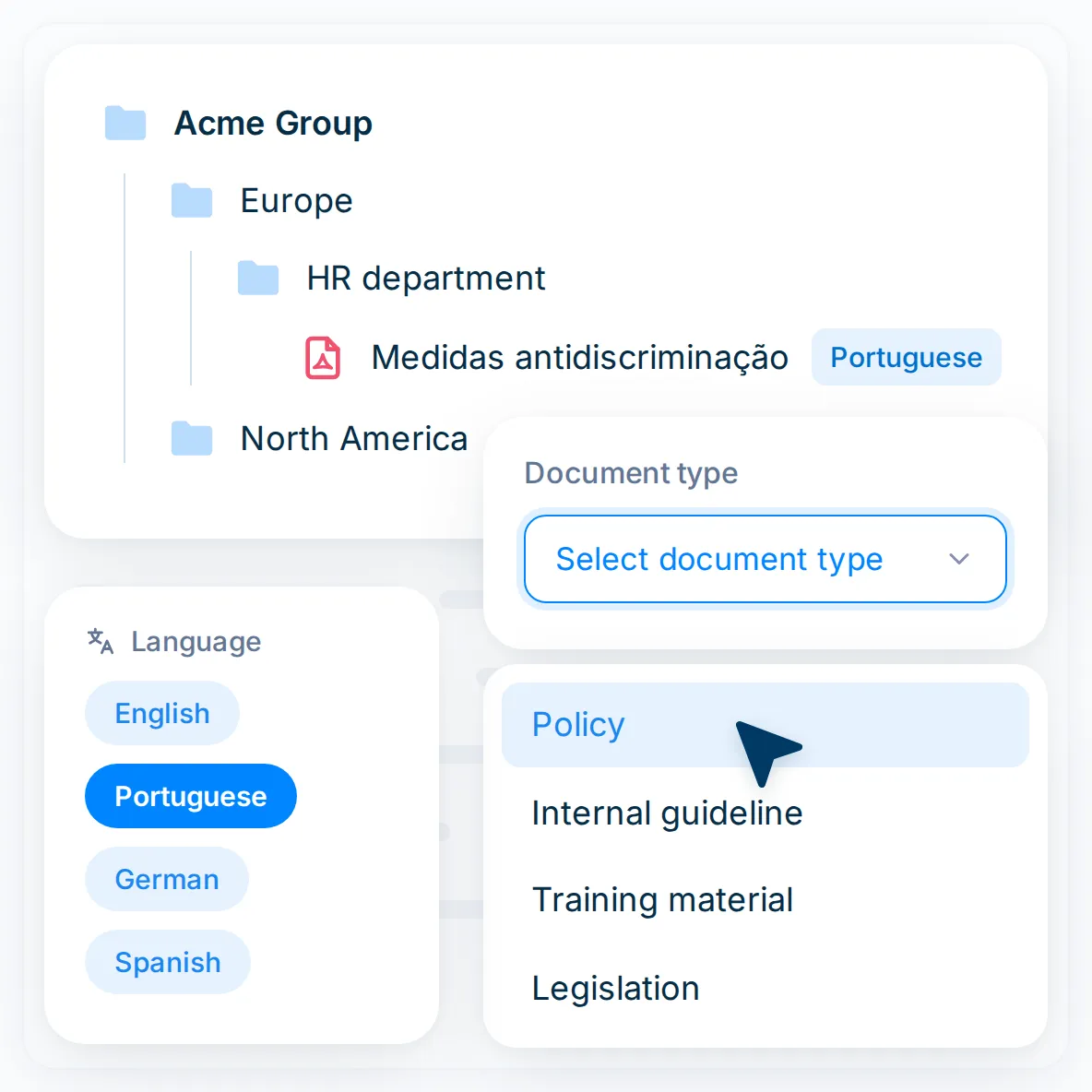
Build nested folders for each entity, region, or department. Tag files by type and language. When the business grows or reorganizes, your team edits the structure itself, with no IT request.

Tag files with one of eight document types, from Policy to Legislation
Add language tags for multi-country programs
Upload, edit, and delete files and folders yourself
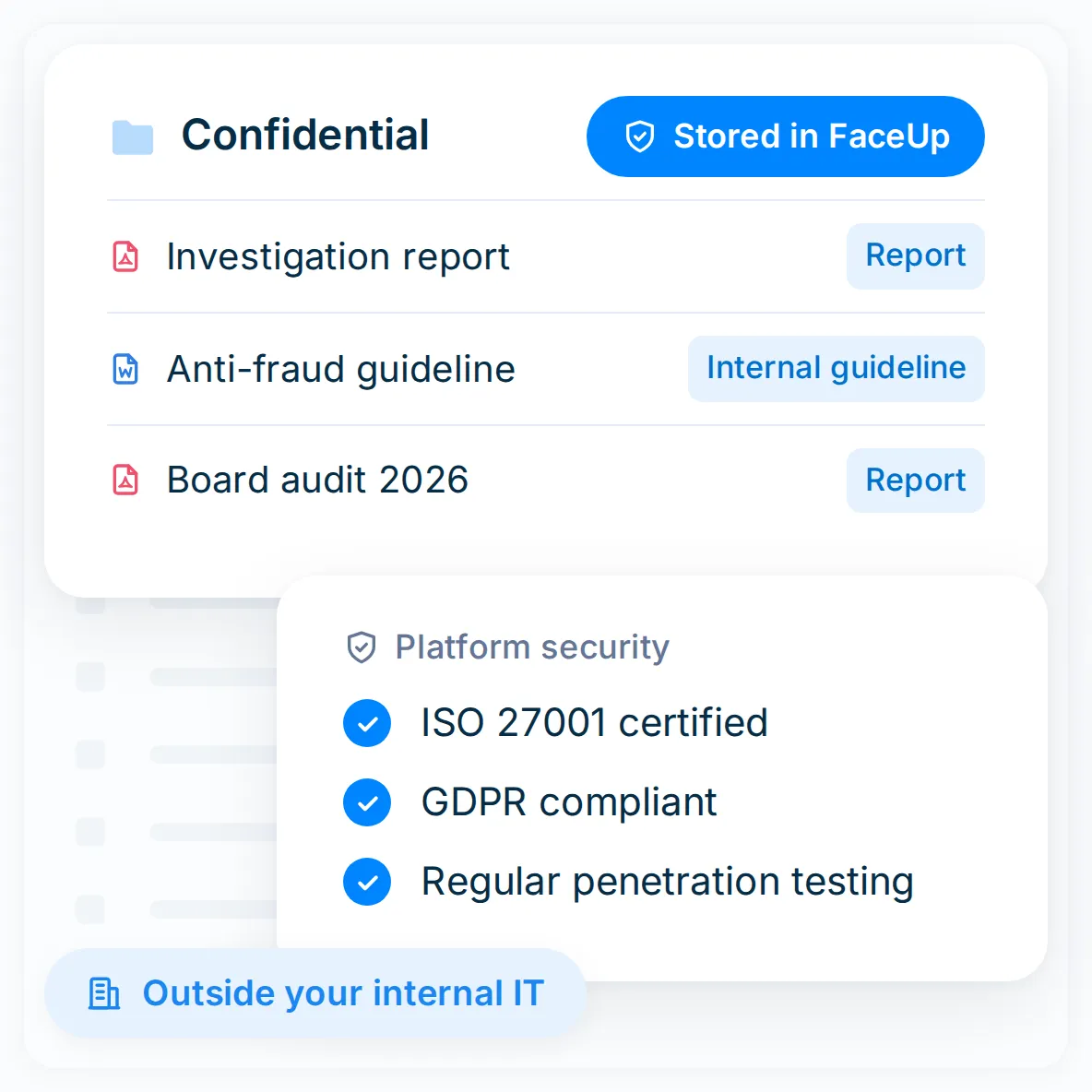
Store sensitive guidelines and case notes in the same secure platform as your cases, not on internal drives or servers.
Part of an ISO 27001:2022 certified platform
GDPR compliant and regularly penetration tested
Kept alongside your cases, with no separate system to manage
Documents is part of the same platform as anonymous reporting, case management, investigations, and analytics.
Assign owners, manage stages, and keep the complete activity history with each case.
See the case workflowOrganize evidence, participants, findings, and documented outcomes in one case record.
See how investigations runManage conflicts of interest, gifts, outside activities, and other declarations.
See how disclosures workFaceUp protects sensitive compliance data with independently verified security controls, so employees can trust the channel and speak up safely.
Review our security