Case management
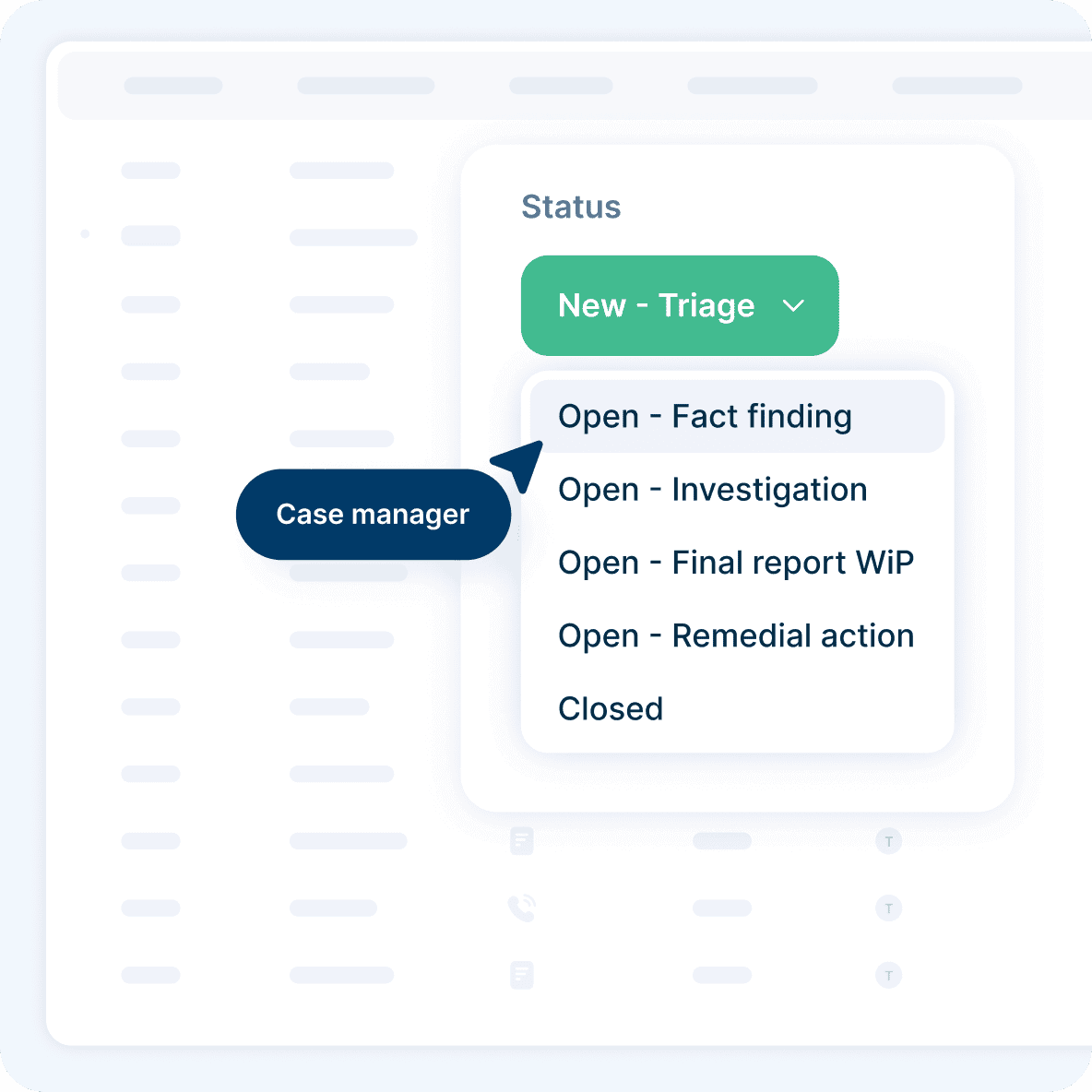
Give every case a consistent workflow, whoever handles it. Define stages, assigned owners, and keep a full activity history.
See the case workflowAnalytics
Analytics give your team a live view of case statistics across the organization. Filter the data, track changes over time, and share the numbers without exposing case details.
RUN BY COMPLIANCE TEAMS WORLDWIDE


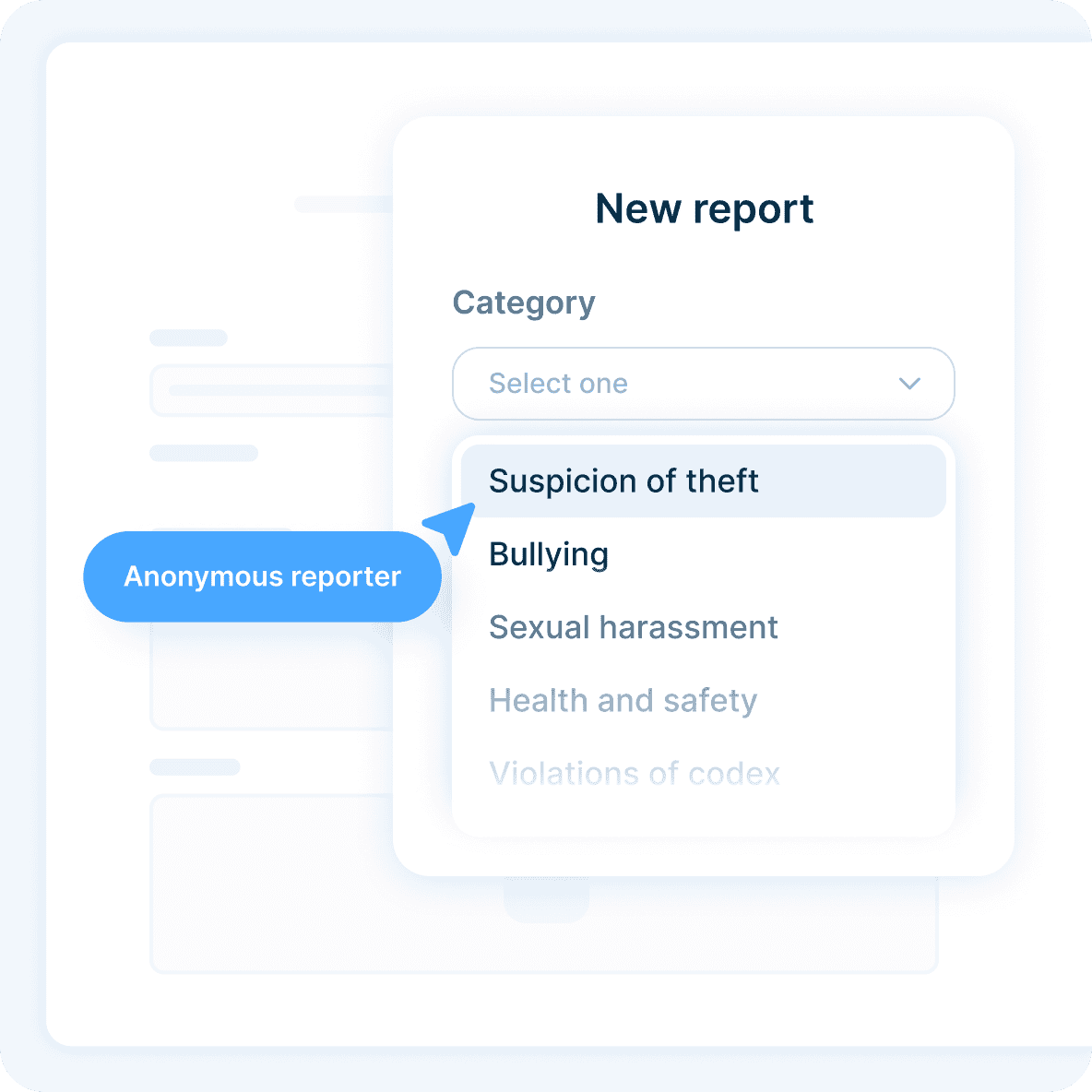
Analytics covers every case in the organization, not just the ones you handle. Set the period, narrow to an organizational unit, and download the page when you need it.

Organization-wide case statistics
Adjustable reporting period
Filters by organizational unit
PDF export of the current view
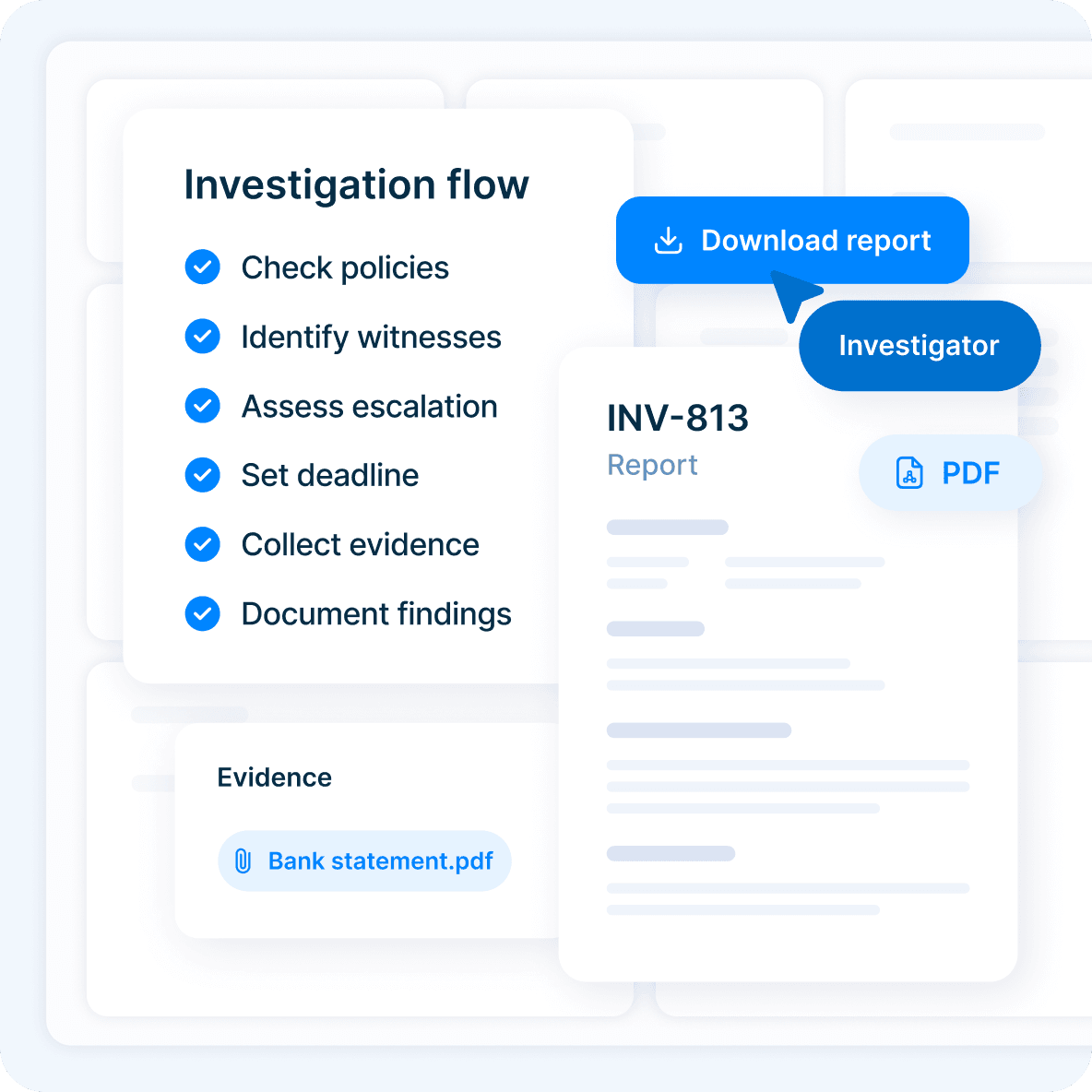
Analytics access is separate from case access. Give stakeholders the statistics they need while keeping individual reports restricted to authorized users.
Separate permission for analytics
Case access scoped by category or organizational unit
Export selected cases to Excel or CSV
Hide and restore individual cases from analytics when needed
Connect FaceUp analytics to your existing Power BI workflow through the statistics endpoint. Your team handles the report without waiting for a custom integration.
Design the report in your own Power BI workspace
Set up in Power Query with a key from your admin settings
19 fields, including cases by category, channel, and assignee
11 reporting filters, including date, status, priority, source, and closing reason
Analytics sit alongside anonymous reporting, investigations, and case management on FaceUp’s platform. Turn on modules as your program grows, without switching tools.
Give every case a consistent workflow, whoever handles it. Define stages, assigned owners, and keep a full activity history.
See the case workflowOrganize evidence, participants, findings, and documented outcomes in one case record.
See how investigations runManage conflicts of interest, gifts, outside activity, and other declarations.
See how disclosures workFaceUp protects sensitive compliance data with independently verified controls and security measures, promoting transparency and empowering employees to speak up safely.
Review our security