Case management
Give every case a consistent workflow, whoever handles it. Define stages, assigned owners, and keep a full activity history.
See the case workflowHotlines
Add a 24/7 voice reporting channel to the same platform as your reports, investigations, and cases. Choose an AI agent in 57 languages or a guided keypad line. Every call arrives as a structured case.
RUN BY COMPLIANCE TEAMS WORLDWIDE


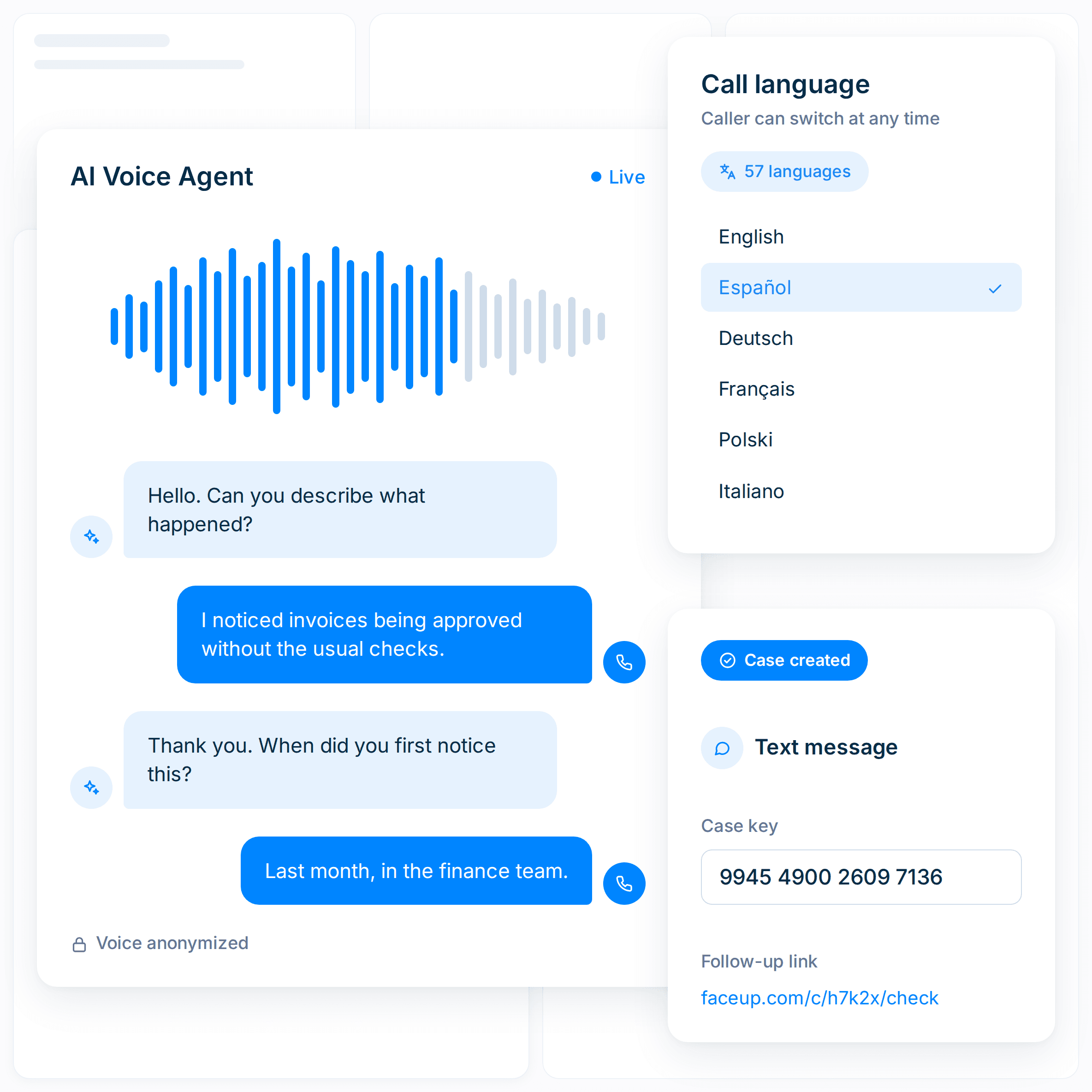
AI-powered hotline
Callers speak with an AI voice agent that asks follow-up questions and supports 57 languages. The conversation creates a structured case for your team.

Callers can switch between 57 languages during the call
The AI asks relevant questions that help capture details needed for review
Typical calls take only a few minutes, with no menus or categories to navigate
Choose a toll-free or local number in 110+ countries
Callers receive an SMS with a 16-digit case key and follow-up link
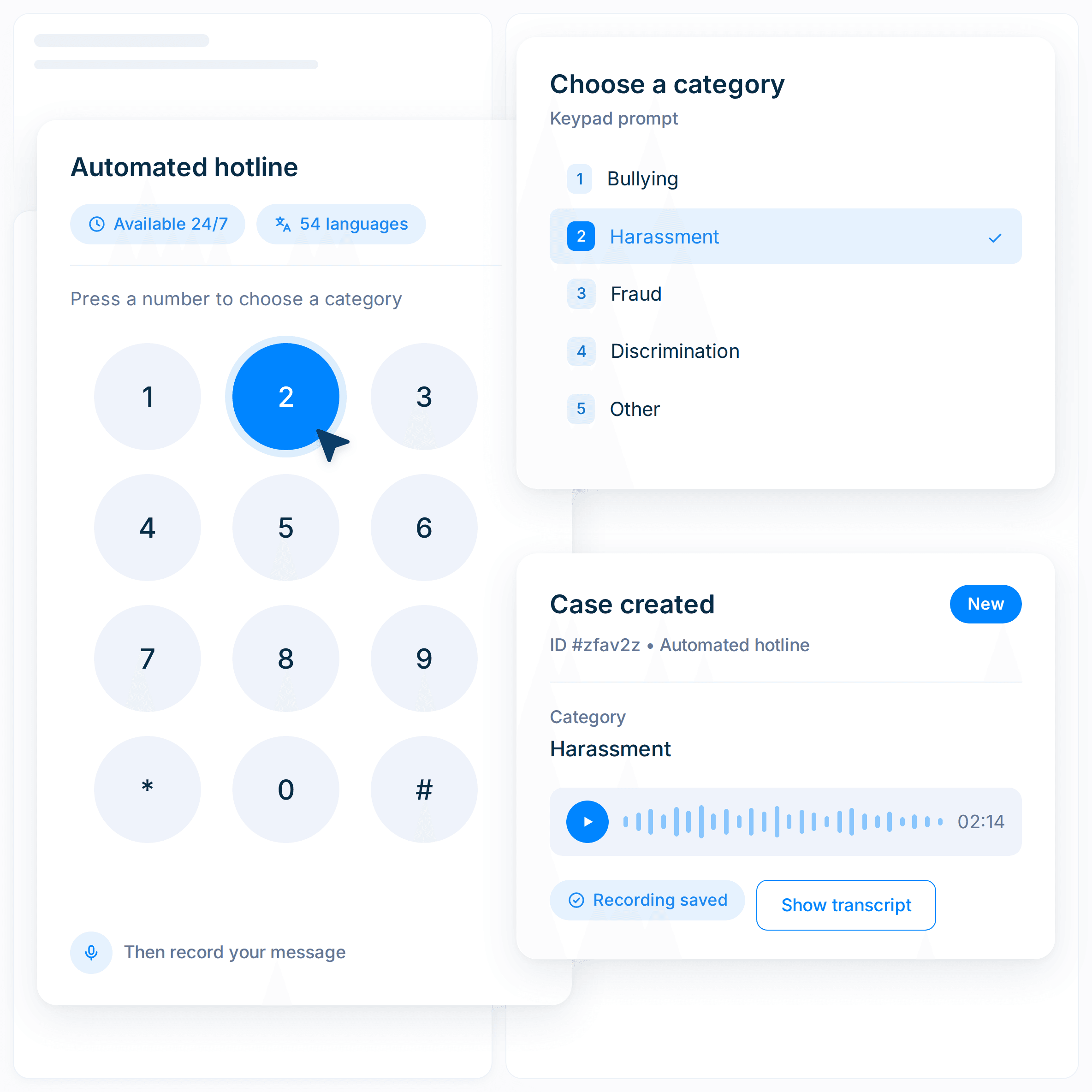
Automated hotline
The 24/7 automated hotline uses predefined keypad prompts to route callers to the right unit or category. Callers then record their message, and the case is created automatically.
No operators to staff, train, or schedule
Support callers across your organization in 54 languages
Callers choose a unit or category before recording their message
The recording and transcript stay with the case
Callers receive an SMS with a 16-digit case key and follow-up link
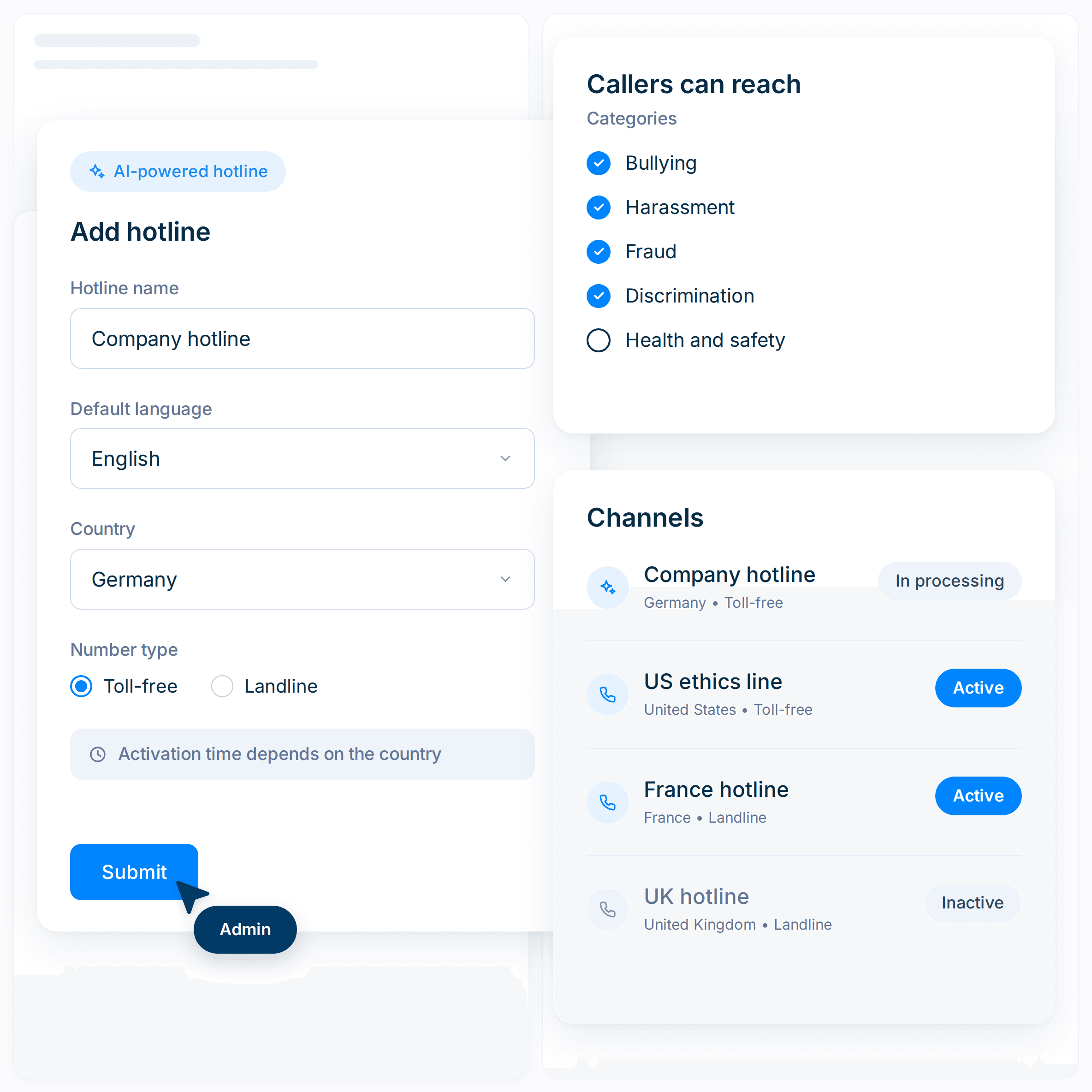
Add a hotline from the FaceUp admin panel without waiting for a separate implementation project. Choose the channel, enter the necessary fields, and activate the number when provisioning is complete.
Fill out four fields, including name, default language, country, and number type
Choose which units and categories callers can reach
Add, deactivate, or reactivate numbers yourself at any time
Timing ranges from immediate to a few weeks, depending on the country
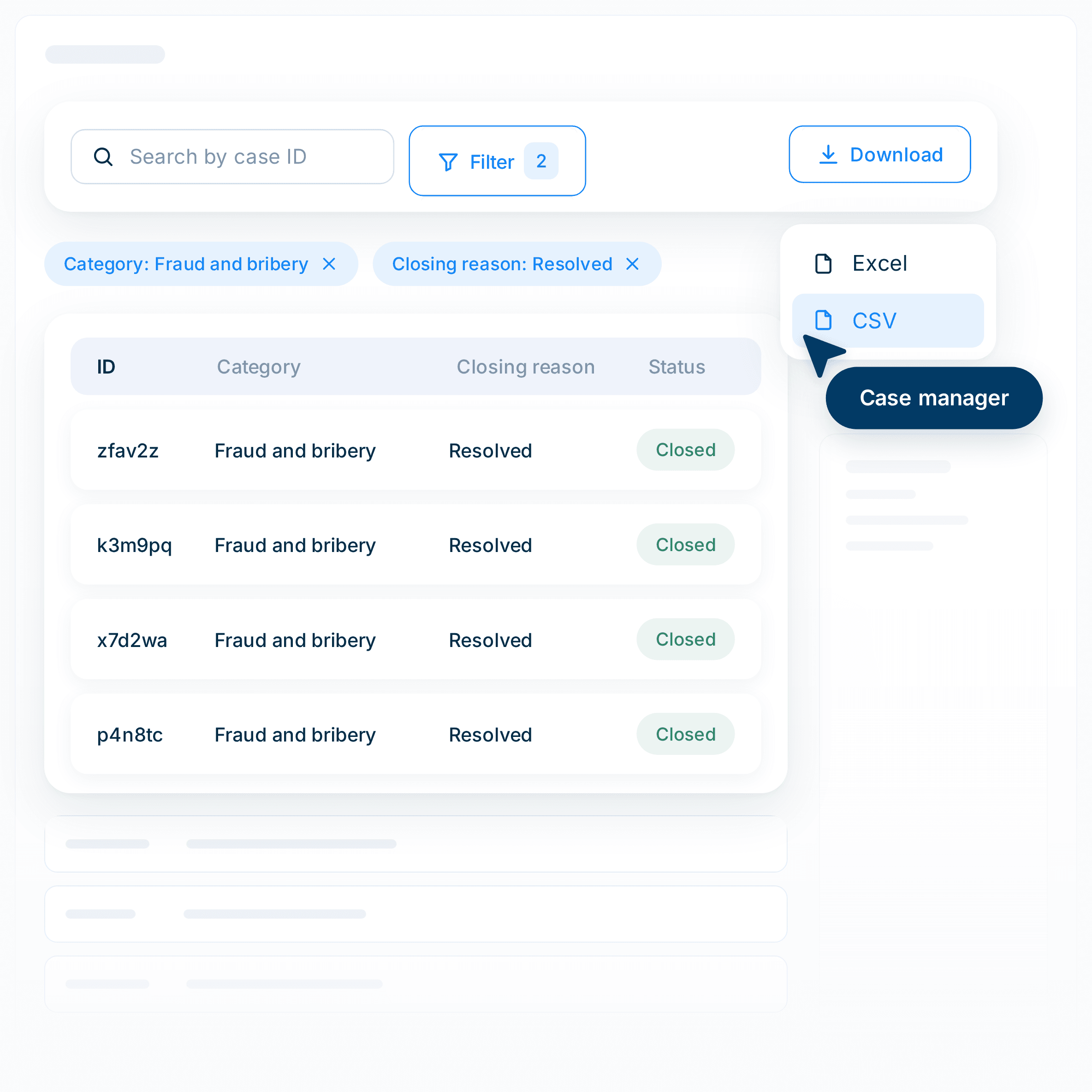
Every hotline call enters the same case environment as your other reports. Your team can review the summary, recording, and transcript from one case record.
Review the case summary, full recording, and speaker-separated transcript
Translate the transcript & summary to your preferred language
Filter & compare cases by intake channel
Callers can choose voice anonymization during the call
A hotline report enters FaceUp alongside reports from your other intake channels. Your team can then triage, investigate, resolve, and report on the case.
Give every case a consistent workflow, whoever handles it. Define stages, assigned owners, and keep a full activity history.
See the case workflowOrganize evidence, participants, findings, and documented outcomes in one case record.
See how investigations runManage conflicts of interest, gifts, outside activity, and other declarations.
See how disclosures workFaceUp protects sensitive compliance data with independently verified controls and security measures, promoting transparency and empowering employees to speak up safely.
Review our security