Introducing Documents: Your Own Compliance Library in FaceUp
Legal & Compliance

Alaa El-Shaarawi
Copywriter and Content Manager
Published on
Reading time
5 min
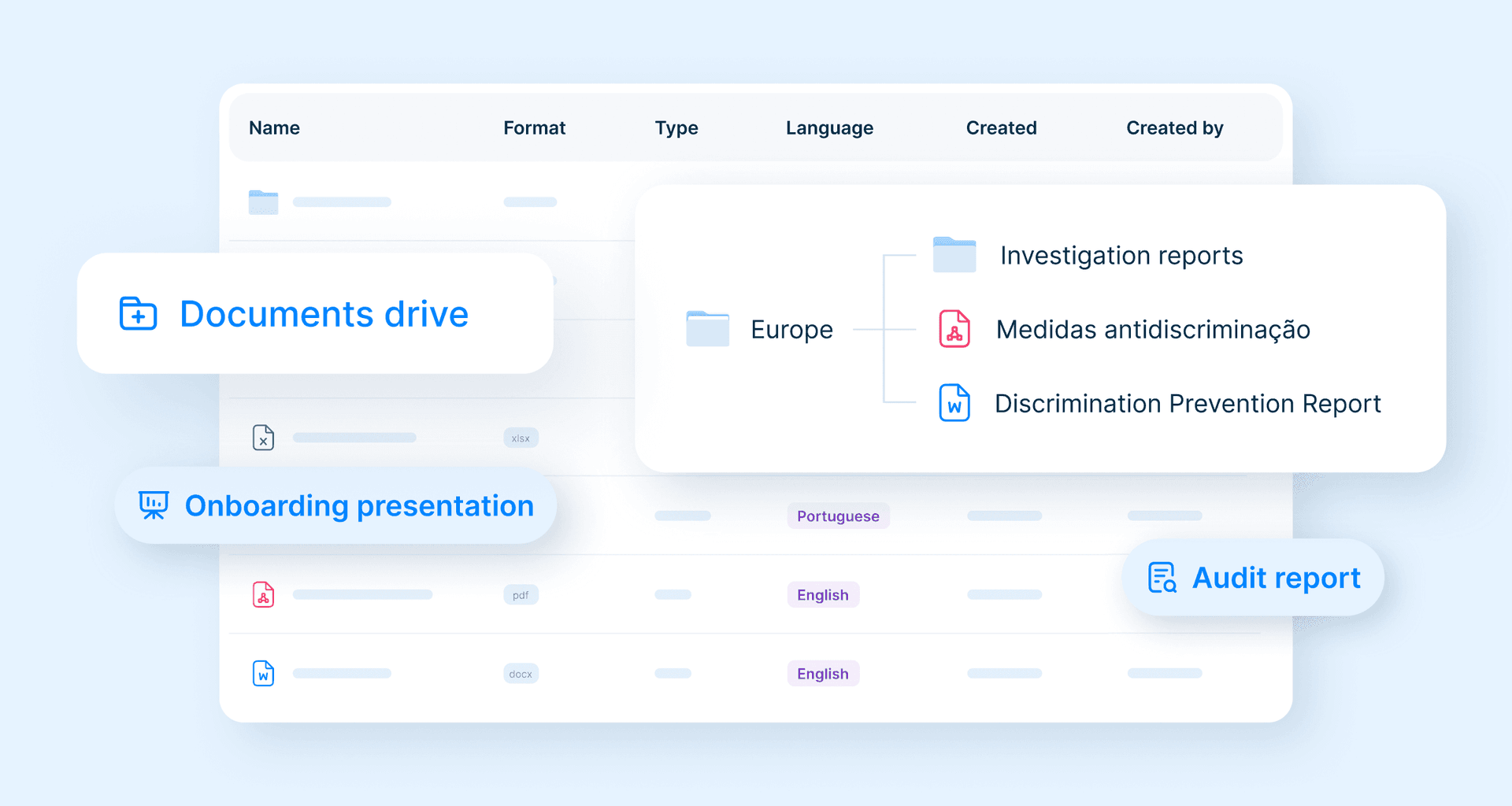

Table of contents
Subscribe to our newsletter

Introducing Documents: Your Own Compliance Library in FaceUp
Someone joins your compliance function next month, in one of the six countries you operate in.
In her first week she needs four things: the whistleblowing policy in the local language, the internal guideline for handling a harassment report, the escalation matrix, and the training deck her team is supposed to be using.
What she'll do is ask whoever she's met so far, get sent whatever those people happen to have, and save it all to her own drive. Which is how the next set of copies gets created.
We built Documents for this. It's a space inside FaceUp where your team keeps its own operational documents: policies, internal guidelines, templates, training materials, legislation, and the notes and records your team keeps on the cases it handles. You upload the files, build the folder structure, and tag everything by document type and language.
Why Compliance Documents End Up Scattered
None of this was anyone's decision. Legal writes the policy and it stays in the Legal folder. The regional team gets a translation and saves it wherever they save things. HR attaches it to onboarding emails. A new site opens and copies whatever the last site was using.
A few years of that and you have several copies in different places under different names, and the person who could tell them apart has moved on. Nothing breaks, so nobody fixes it. Your week fills up with questions about folders.
Then there's the part customers raise first: a lot of what belongs in this library is sensitive. Internal disciplinary procedures, guidance on retaliation complaints, policies still in draft.
Those files usually sit on a general company drive, where access is broad by default and IT administrators can open what's in them whether the permissions say so or not. That's how internal infrastructure works. It's a strange place, though, for the document explaining how you investigate your own managers.
Where Case Notes and Investigation Records Live
Policies are the half of the library everyone pictures. The other half is what your team writes: interview notes, the reasoning behind a decision, the summary someone drafts before Legal sees the case.
Those files take the shortest route to a shared drive. Someone types notes in a document during an interview and saves them where they save things, and the record of how a case was handled ends up on a general company drive with everything else.
They belong in your Documents drive too, tagged by document type and filed under the entity the case sits in. The policy behind a case and the notes your team keeps on it end up in the same library, in the same navigation as the cases themselves, and off the drive.
From FaceUp Templates to Your Own Document Library
Materials has been part of FaceUp for years. It's a set of templates we wrote and made available, ready to use, and read-only by design.
Customers liked it, then asked the same follow-up: can we put our own documents in here too? The reason was always the same. The people who need these files are already in FaceUp. They're reading a report or working a case when the question comes up, and if the answer lives on a shared drive, some of them won't go and look.
So Materials stayed, and Documents was built underneath it. Everything we provide is still there. What's new is the part you fill yourself.
What You Can Do With FaceUp Documents
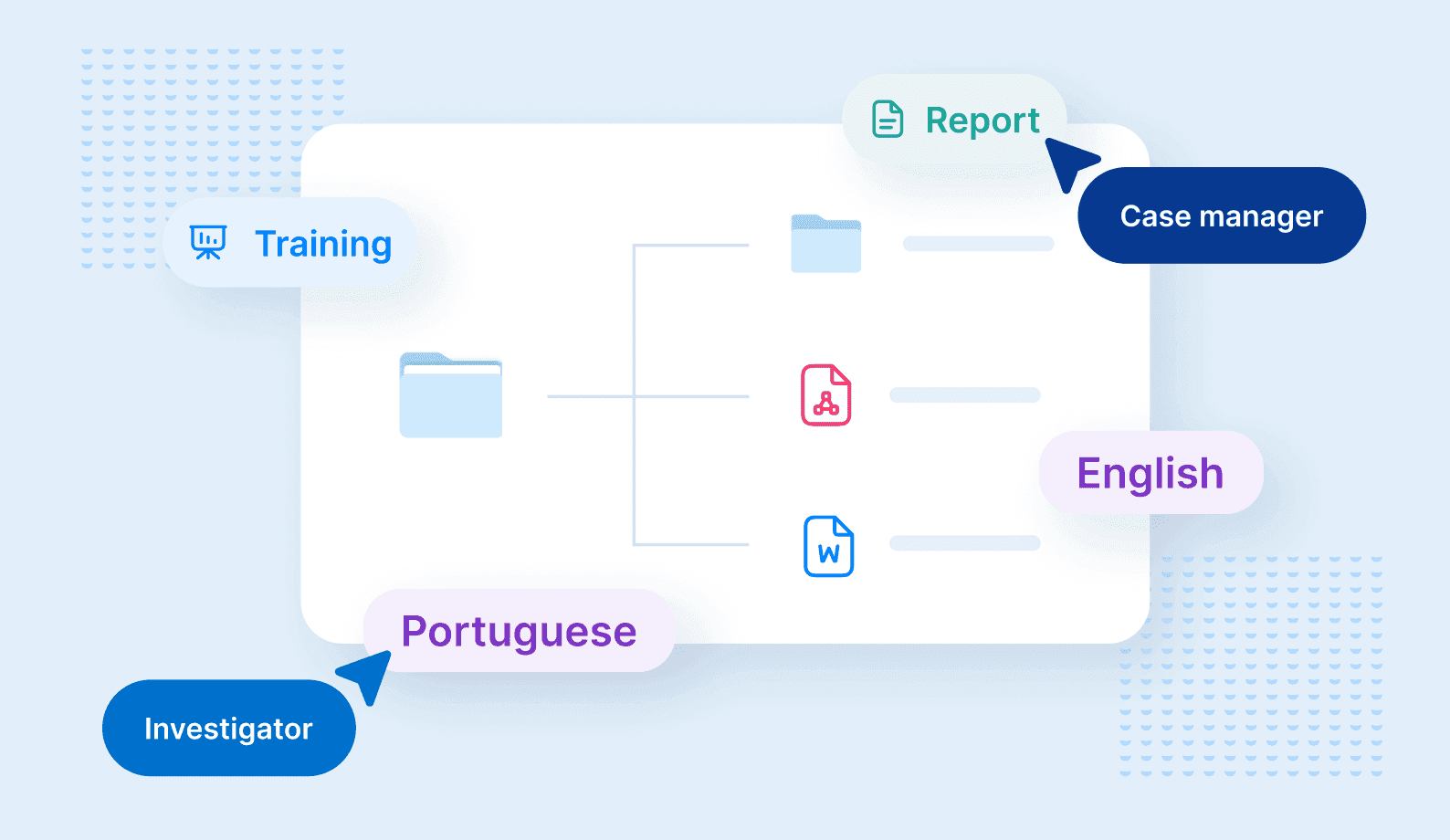
You upload the files, build the folders, and tag them yourself. What makes it useful is where they sit: inside FaceUp, beside your cases, and off your company drives.
Organize Documents Into Nested Folders
Most teams inherit their folder structure. Someone set it up years ago for an organization that has since changed shape, and everyone works around it.
Here you build it yourself, by branch, region, entity, or department, whichever way your team talks about the business. When a site opens or two teams merge, you move things around the same week instead of asking someone else to.
Tag Every File by Type and Language
Folders only tell you where a file sits. Every file in Documents also gets a document type, chosen from Policy, Internal guideline, Document template, Training material, Marketing material, Legislation, Report, or Other, and a language.
In one country you'll rarely need that. Across six it's what stops a manager working from guidance written for headquarters, which nobody spots until after the decision's been made.
Keep Sensitive Documents Off Company Drives
Documents live inside FaceUp rather than on your own servers, so they sit outside your internal IT infrastructure. Your reports and cases already work that way. The documents and case notes behind them now do too.
Find Documents Where You Handle Cases
The moment someone needs the guideline is usually the moment they're deciding what to do about a case. An investigator wants the procedure for interviewing a witness. A case manager wants the escalation rules before sending something to Legal.
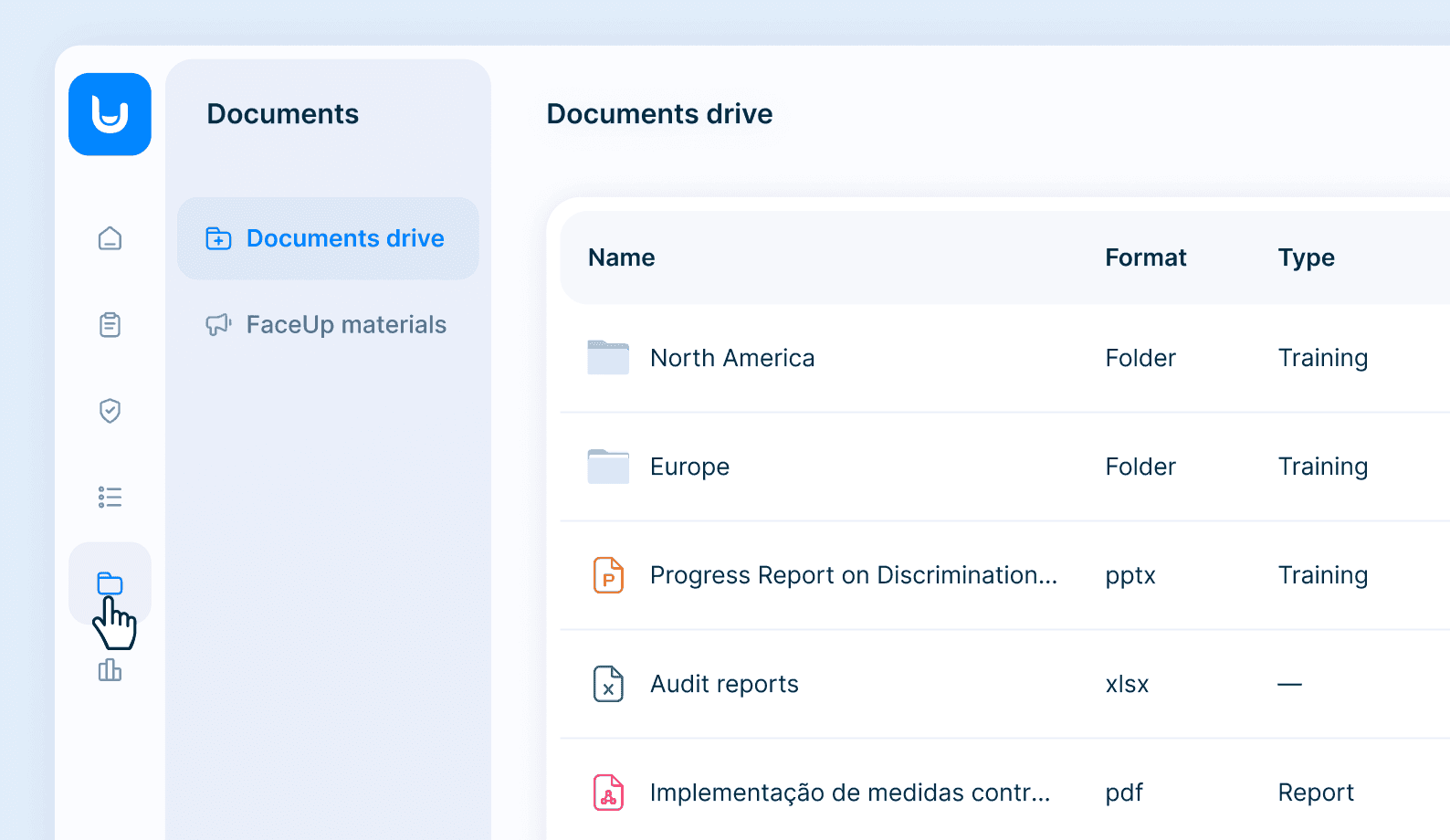
Documents sits in the same navigation as the reports and cases they're already in, so that's one click, not a second system and a second login.
What FaceUp Documents Isn't
Plenty of your organization's files don't belong in FaceUp and we're not suggesting you move them. Contracts, finance records, the marketing archive: leave those where they are. Documents is for the files your compliance program depends on, the ones someone reaches for while handling a report or briefing a new manager.
It's also not a legal document-management system, and it isn't version-control software. What it replaces is the shared drive nobody entirely trusts.
How to Set Up Your Document Library
Most teams start with the documents they get asked for most: the whistleblowing policy in each language, the current code of conduct, two or three internal guidelines. A folder per entity, tags as you go. It's an afternoon's work.
After that people know where to look. New joiners have somewhere to go in their first week, regional teams stop keeping their own copies, and the sensitive files are somewhere you'd rather have them.
Documents is already in your FaceUp navigation. Open it and you'll find your Documents drive alongside FaceUp materials.
Explore Documents →, or book a demo and we'll show you how compliance teams are organizing their operational documents inside the platform they already use.

FAQ
Keep Reading
Alaa El-Shaarawi2026-10-0510 min
Gulf construction safety: Why on-site hazard reporting keeps breaking
Legal & Compliance
Alaa El-Shaarawi2026-10-028 min
UAE whistleblowing: The biggest programs are being built where no law requires them
Legal & Compliance

Alaa El-Shaarawi2026-09-249 min
EU AI Act Whistleblowing: What Changed on August 2, 2026
Legal & Compliance

Mary Shirley2026-07-285 min
Three Warning Signs Your Speak-Up Program Needs an Upgrade, and What to Do About It
Workplace Environment