Case management
Assign owners, manage stages, and keep the complete activity history with each case.
See the case workflowAnonymous reporting
Build a reporting channel around your policies, brand, and reporting process. Update it whenever requirements change.
RUN BY COMPLIANCE TEAMS WORLDWIDE


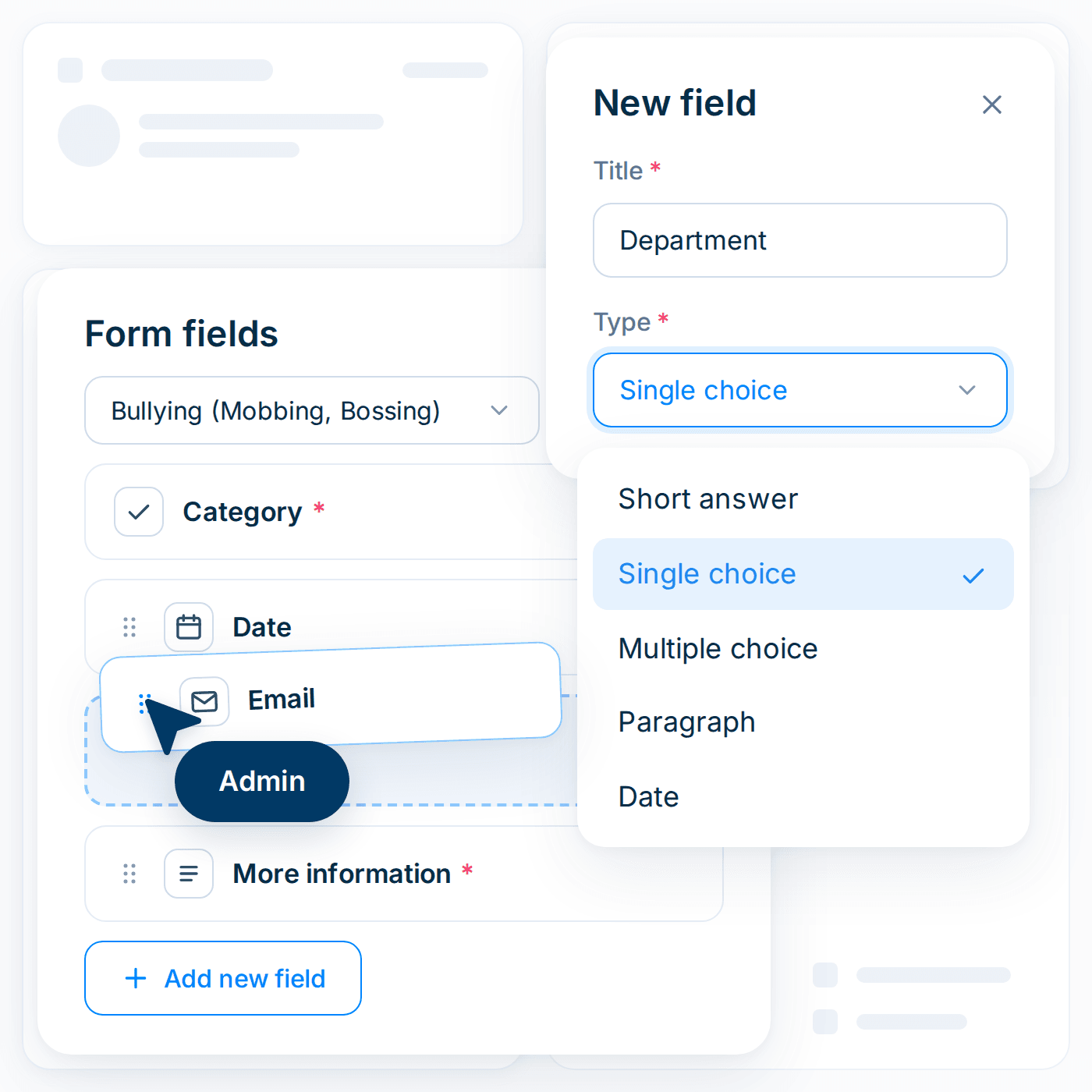
Create a reporting form without a development project. Choose what reporters see, the guidance they receive, and the information they provide.

Add the questions investigators need
Create categories that fit your organization
Route reports to the right department, region, or team.
Add your logo, branding, code of ethics, and reporting guidelines
Choose from 100+ languages to publish your form
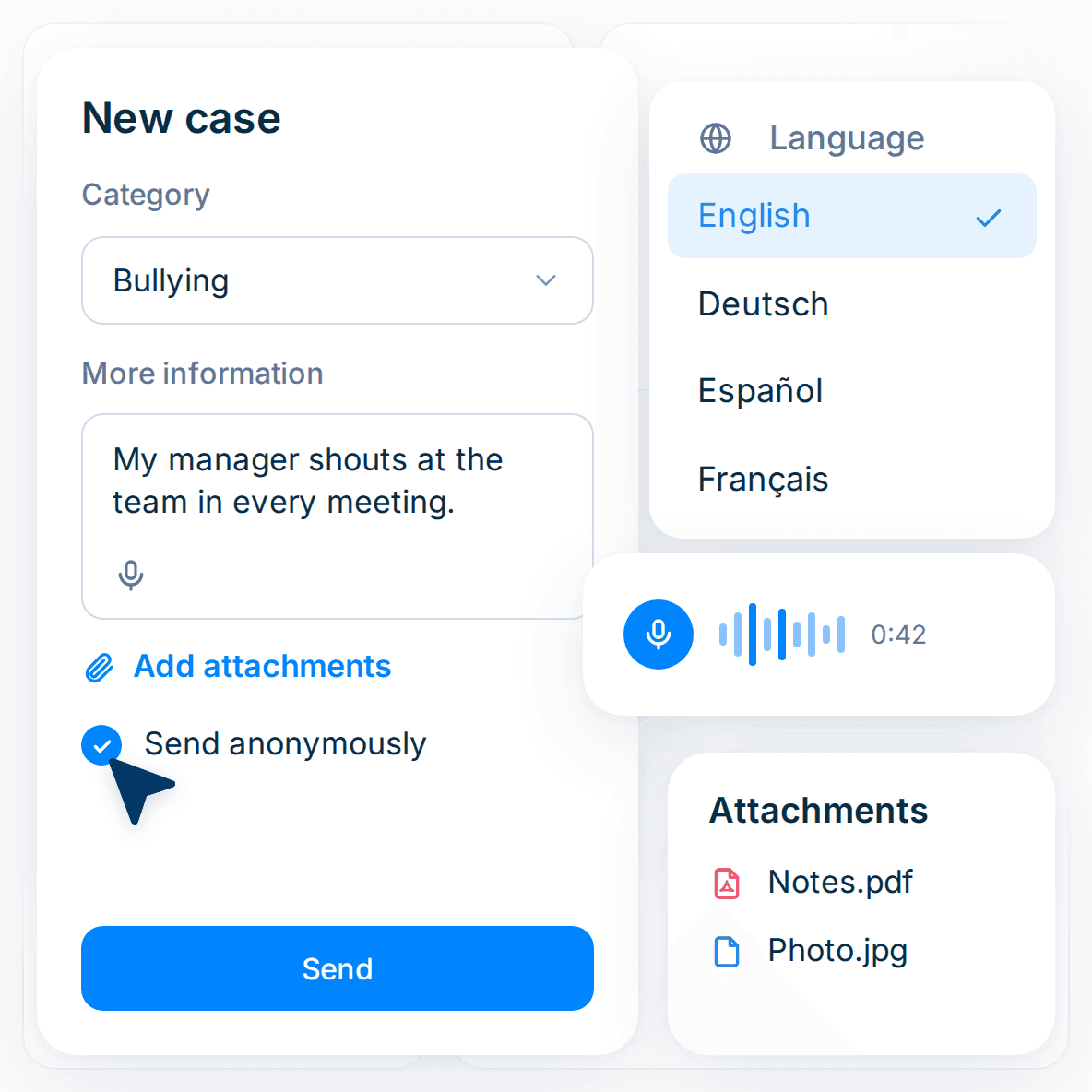
Reporters can open the reporting form from a browser or the mobile app. They can use their preferred language and remain anonymous throughout the process. Before submitting, reporters can:
Select a reporting category
Add attachments
Choose from the languages you publish
Record a voice message instead of typing
Choose to submit anonymously
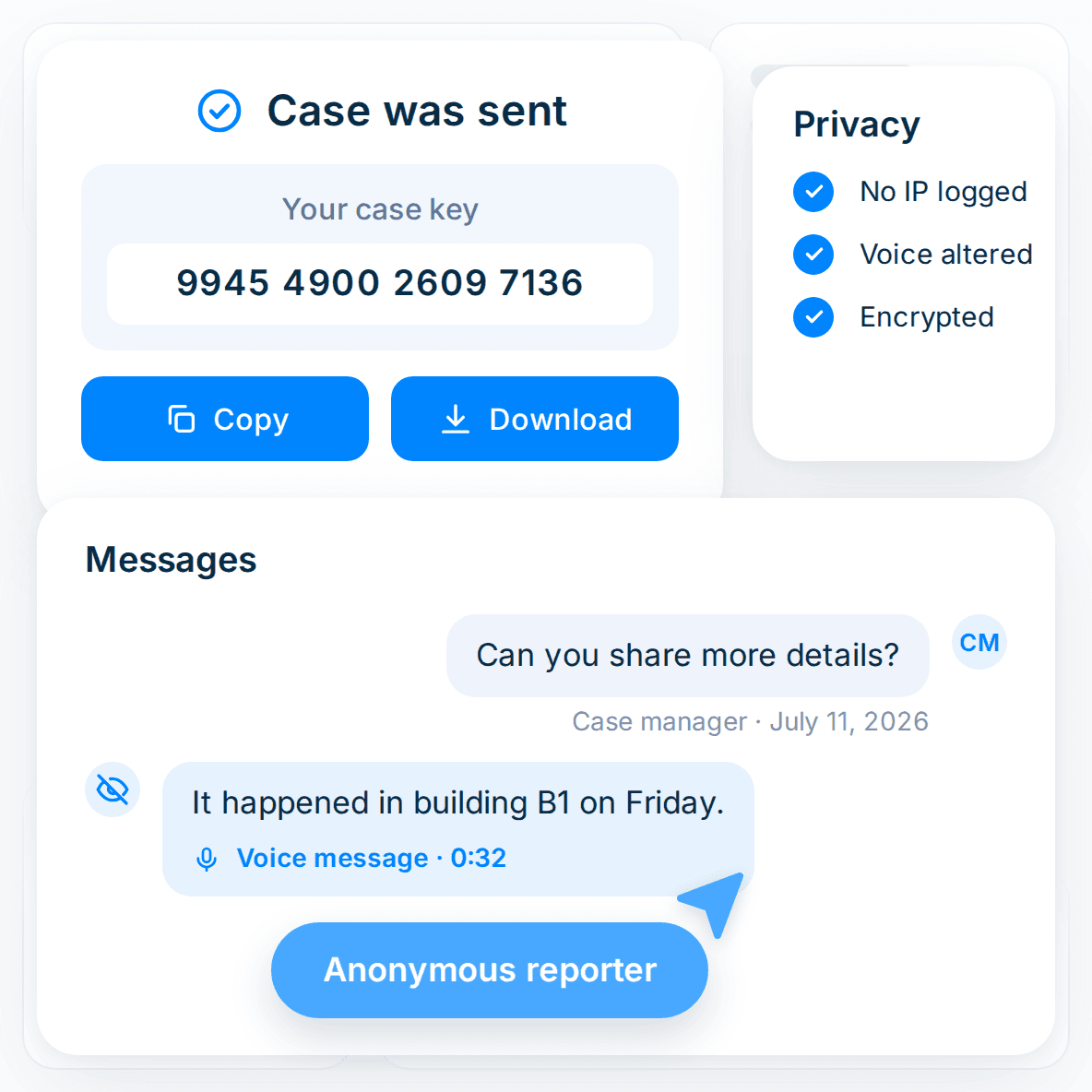
After submitting, reporters receive a unique 16-digit key. They use it to return to their case and communicate with the relevant team.
Maintain anonymous two-way communication throughout the case
Protect reporter privacy by storing no information that could identify their device
Alter voice messages before storing them
Prevent people named in a report from accessing the case
Add a phone channel without changing your reporting workflow. Calls become cases in the same place as reports from other channels.
Once a report arrives, your team can manage the case and conduct an investigation, all on FaceUp’s platform.
Assign owners, manage stages, and keep the complete activity history with each case.
See the case workflowOrganize evidence, participants, findings, and documented outcomes in one case record.
See how investigations runManage conflicts of interest, gifts, outside activity, and other declarations.
See how disclosures workFaceUp protects sensitive compliance data with independently verified controls and security measures, promoting transparency and empowering employees to speak up safely.
Review our security